Product displays
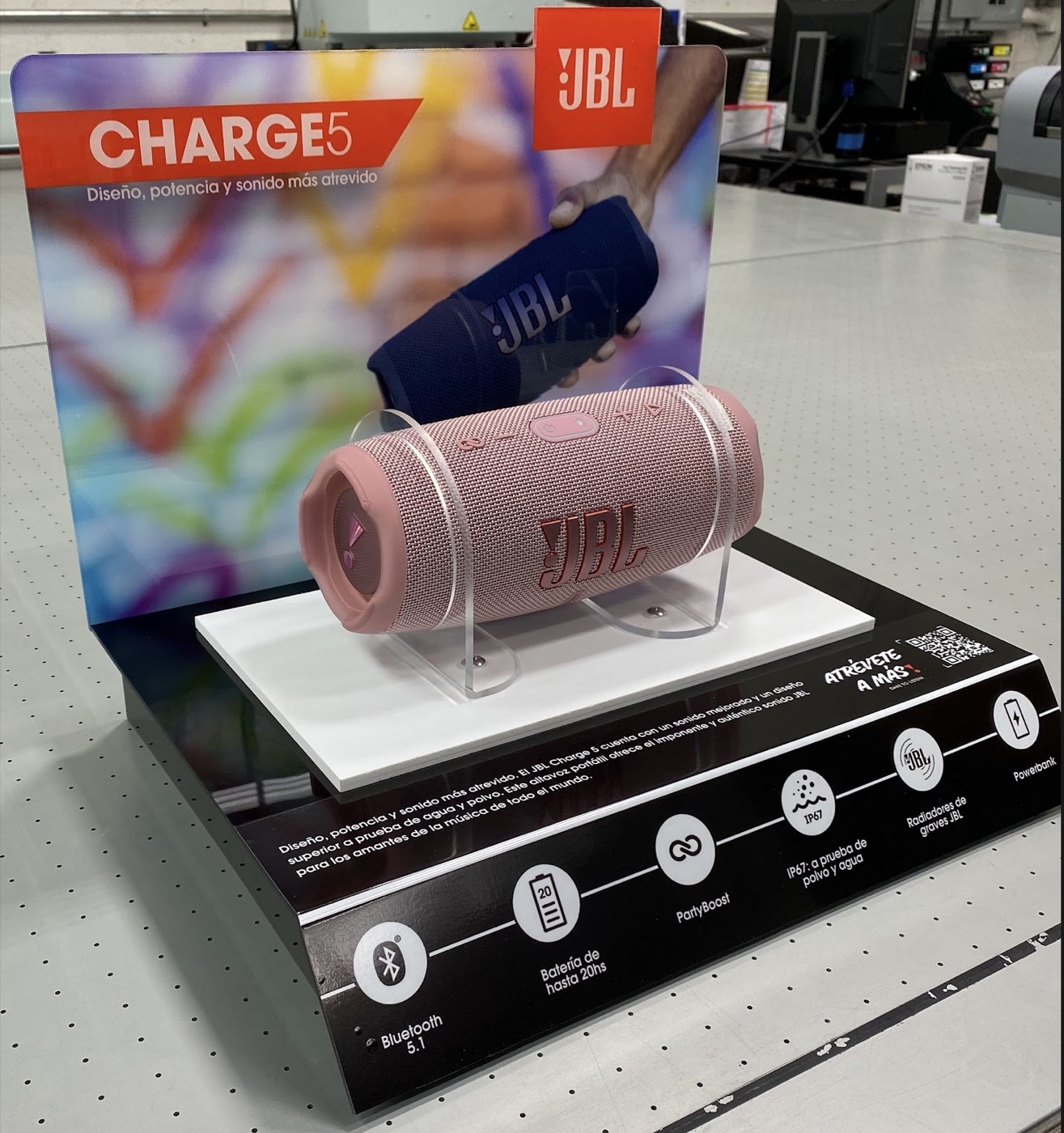
JBL · Countertop product display
 Mac PrinterPRINTING SOLUTIONS
MEET YOUR COMPANY’S PRINT PORTAL
From business cards to retail displays, packaging and signage. Your company’s approved collection, ready for your next order.
We prepare your artwork and ordering options. Your team chooses from its company collection.
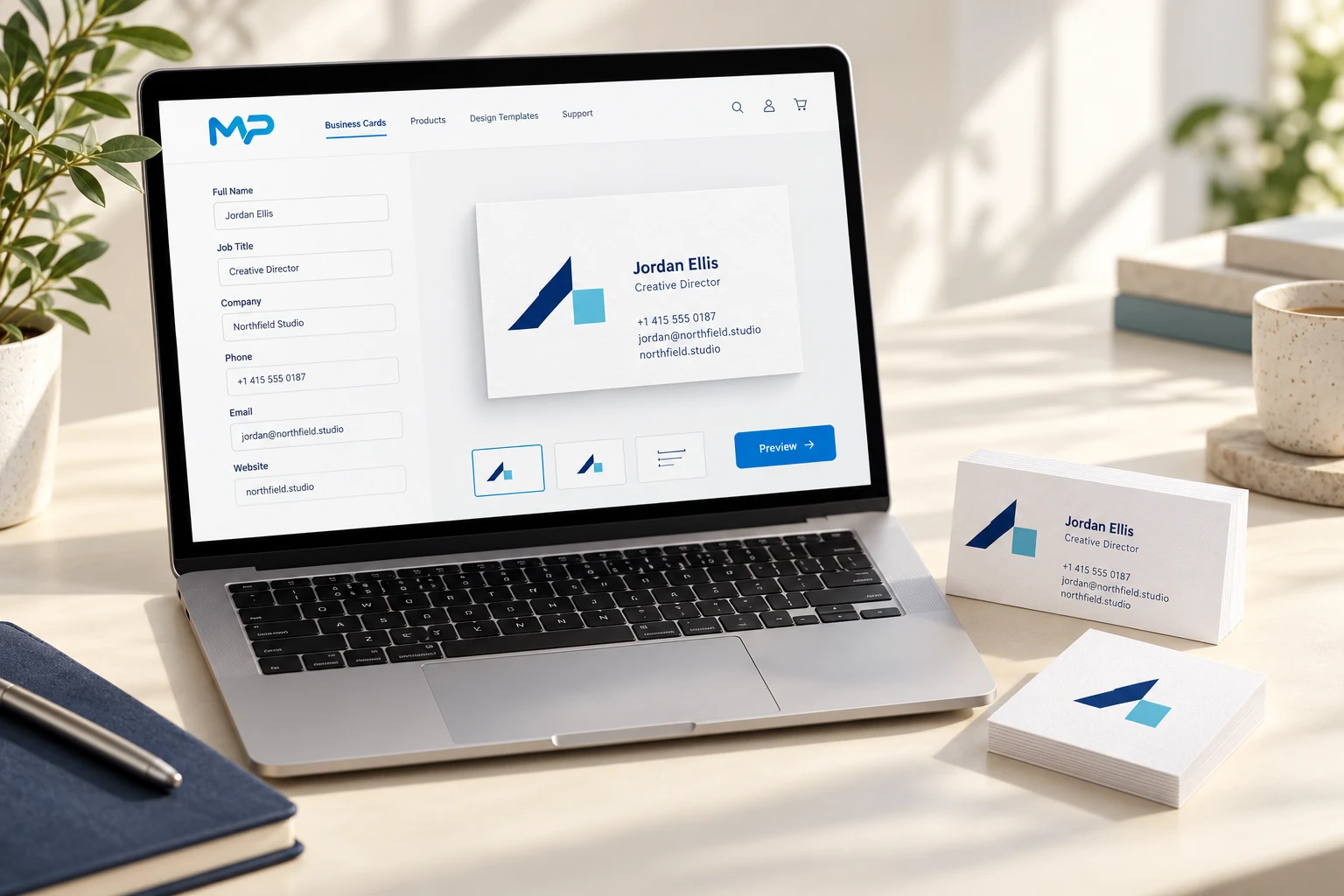
MORE THAN BUSINESS CARDS
Give your team a clear starting point for repeat orders: approved artwork, product specifications and company ordering options.
JBL · Countertop product display
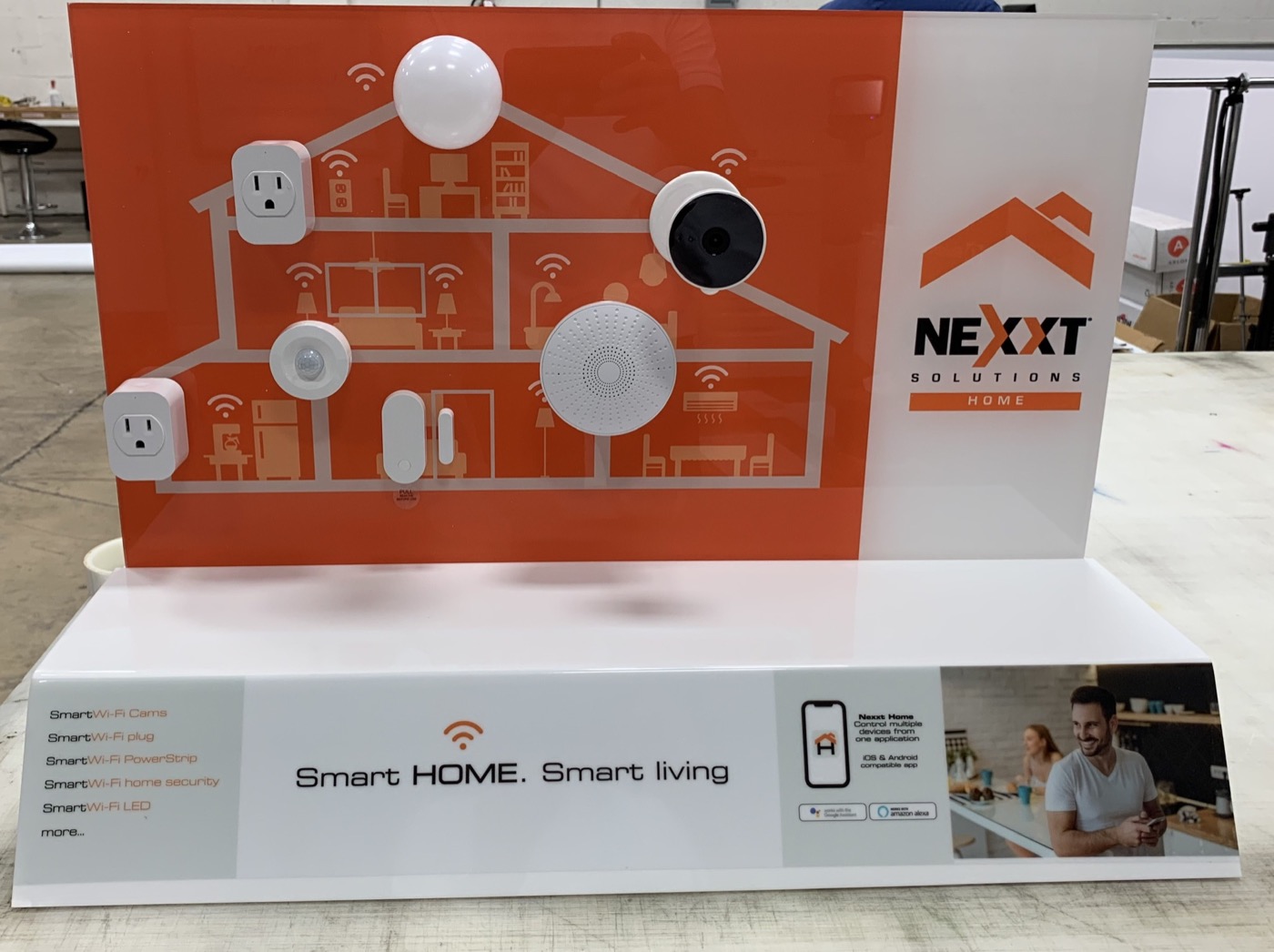
Nexxt · Smart home product display
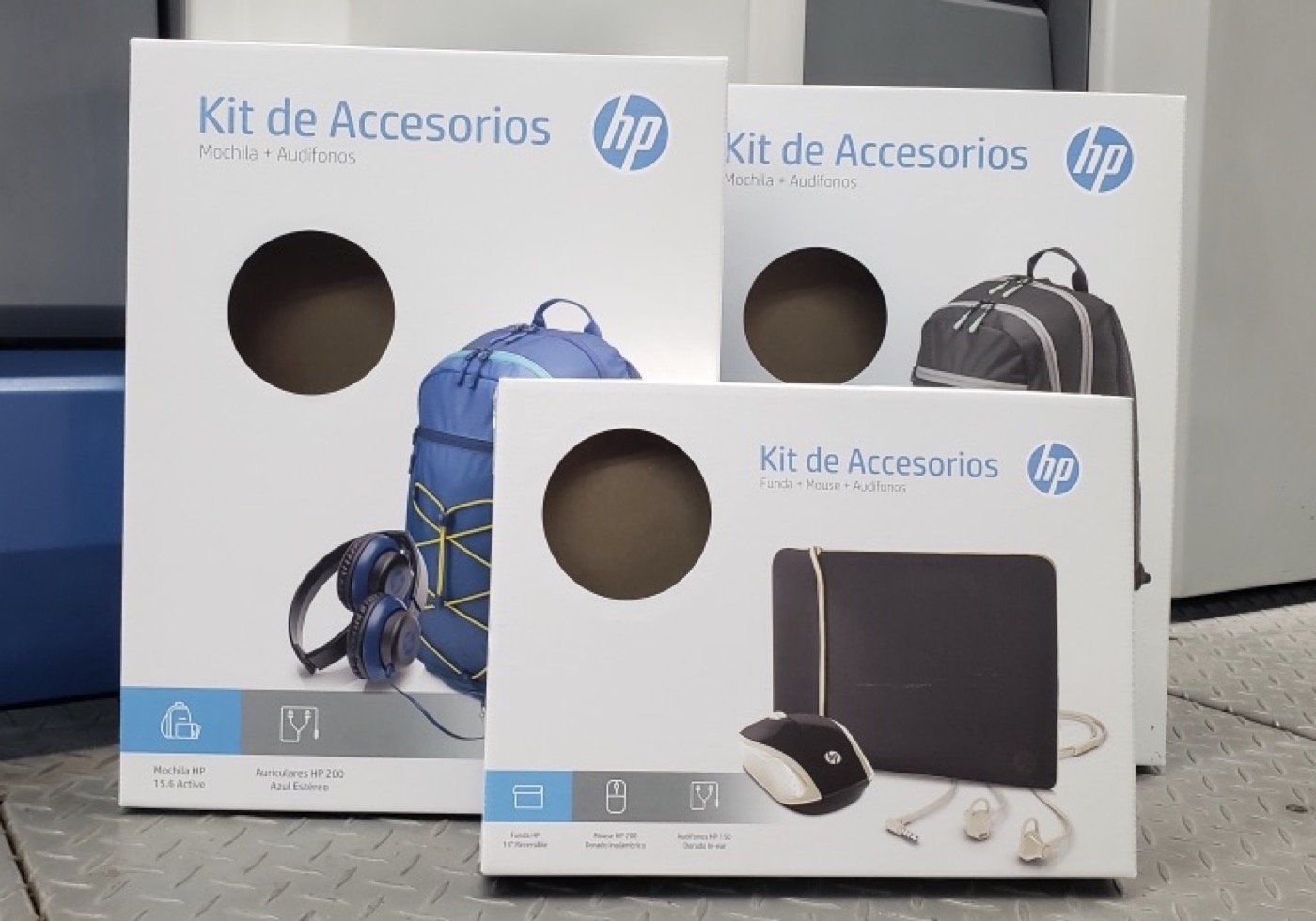
HP · Printed packaging for accessory kits
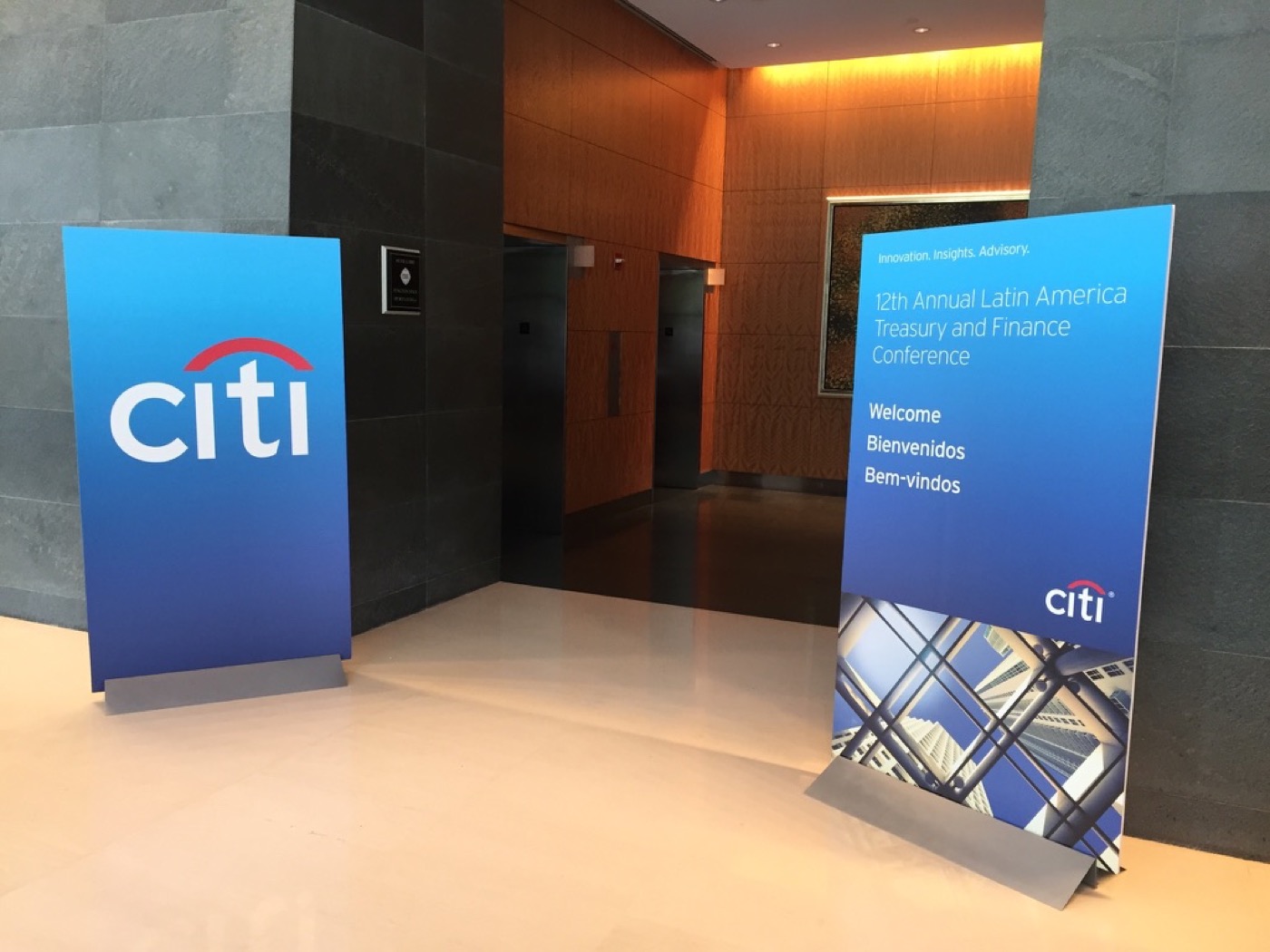
Citi · Freestanding event signage
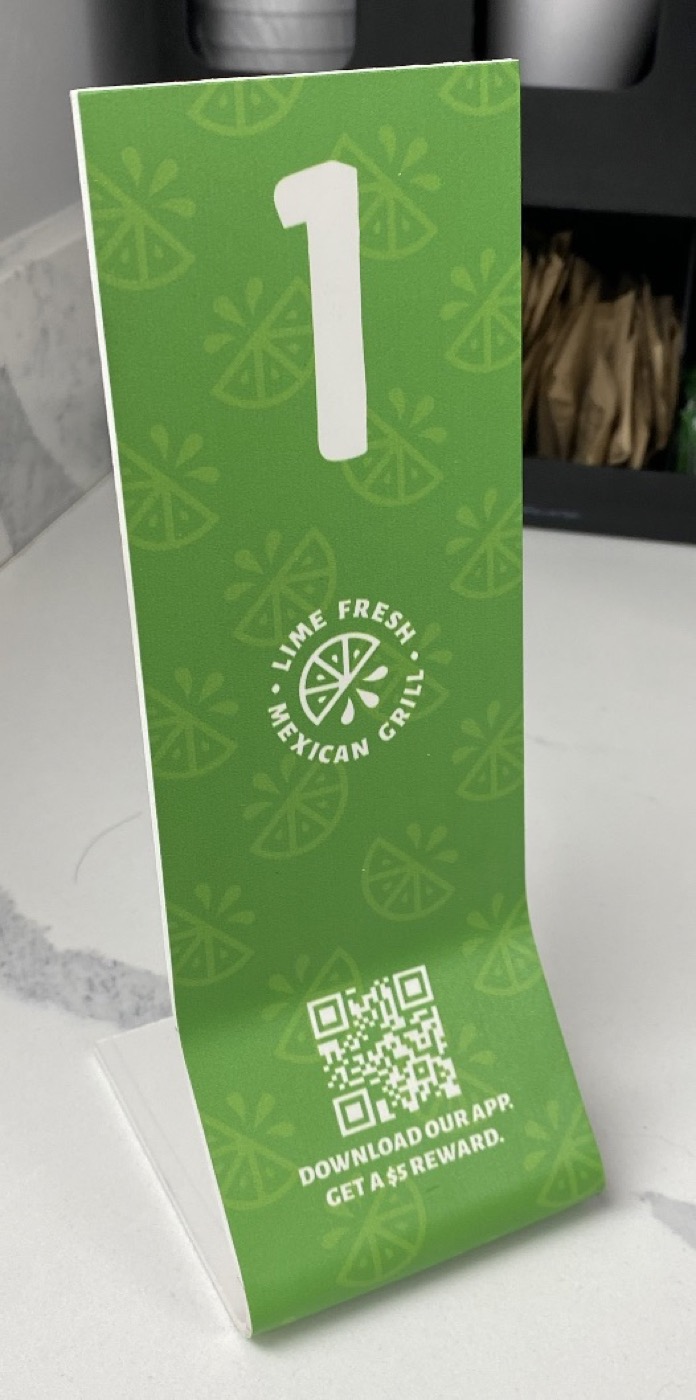
Lime Fresh · Table numbers with QR
Business-card ordering is available to invited companies. POP, packaging and other catalogs are prepared individually with Mac Printer.
THREE SIMPLE STEPS
We prepare your company’s artwork first. Your team then works from its own ready-to-use collection.
Open your company’s private portal and choose an item from its prepared collection.
Personalize the fields available for your item, or keep the approved artwork. Review specifications and quantities.
Choose quantity and delivery, approve the preview and send your request. Mac Printer confirms the final artwork and price before production.
BUSINESS CARDS · THE REAL PORTAL
Explore the business-card ordering flow already in use. These real interface captures use a sample cardholder.
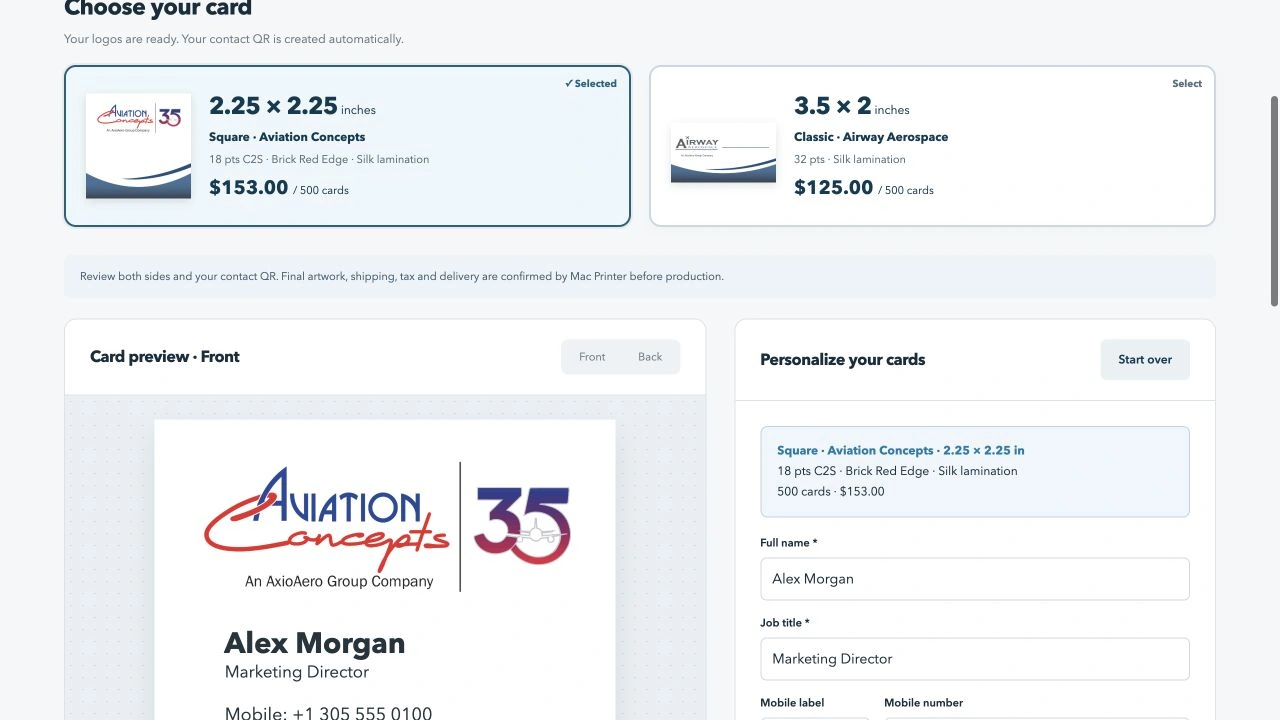
Real interface, sample cardholder. The collection, quantities, prices and QR options are configured for each company. The amounts shown are examples, not a general price list.
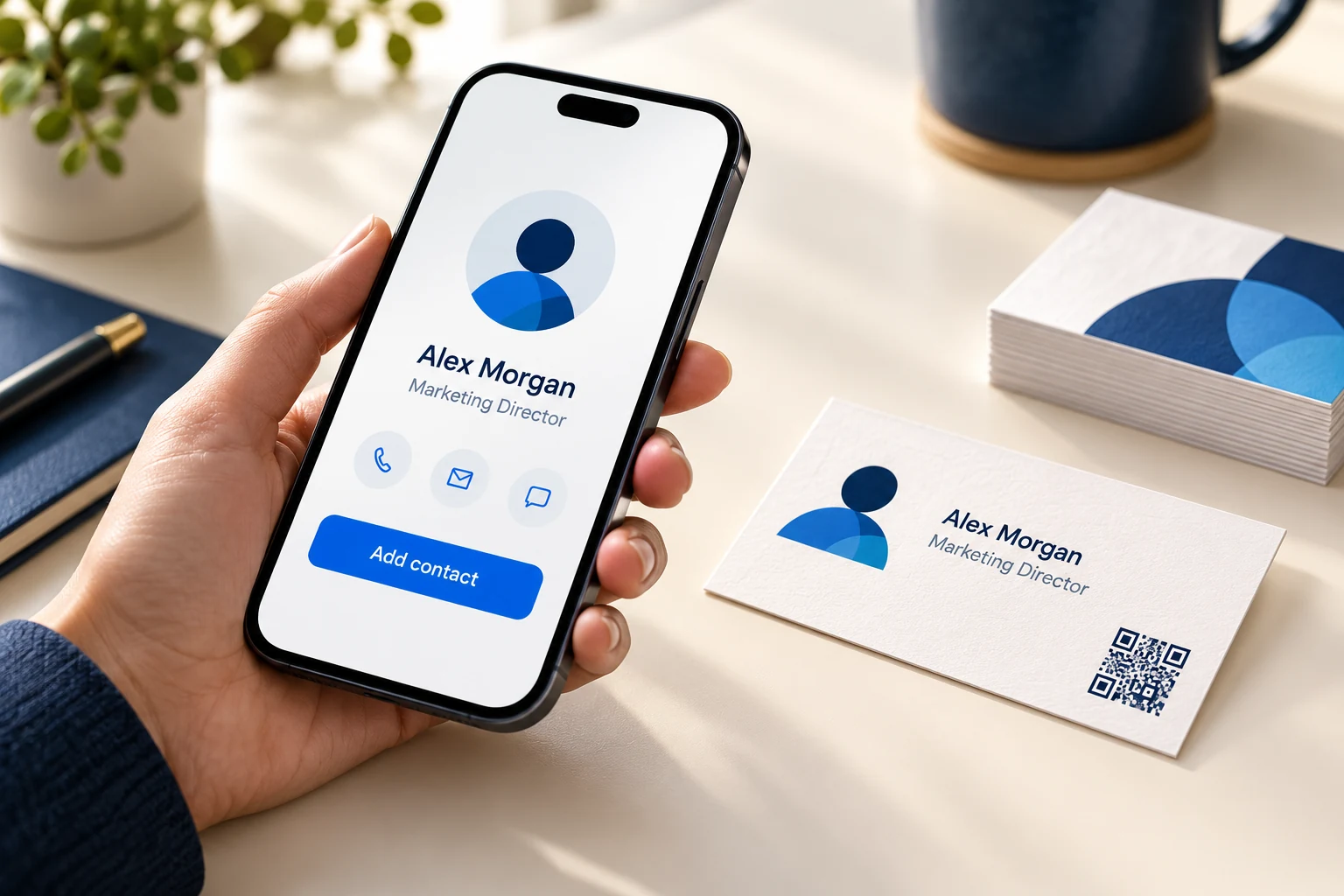
A CARD THAT BECOMES A CONTACT
The portal can generate a contact QR directly from the details on your card—just like the Aviation collection.
Contact QR availability and placement depend on your prepared template.
Try a live sample below ↓TRY IT FOR YOURSELF
This sample generates a real contact QR in your browser. Scan it with your phone to see the contact-saving experience.
Sample details only. This is a demonstration, not an order form. Nothing is sent to Mac Printer.
AFTER YOU SEND YOUR REQUEST
See your submitted requests, revisit the approved details and use a previous request to start a reorder. Each request has its own message thread with Mac Printer.
We review the artwork, stock, pricing and delivery before production. No online payment is collected through the card portal.
LET’S PREPARE YOUR COMPANY’S COLLECTION
Tell us which print pieces you reorder. We’ll prepare your company collection, product specifications and access for your team.
Opens an email draft to dc@macprinter.com. You review and send it.
Already invited? Open your company’s private link from the invitation email. This public page does not grant portal access.